

ARTICLE SERIES · Part 4 · AI in development work
How I work with AI — and what I still will not leave to it
Where can AI help, from understanding requirements to testing? My approach to development, checking results and taking responsibility for decisions.
In this article
We often talk about using AI as though the main question were how many minutes it takes to produce something. As a developer, I also care about what happens afterwards. Do I understand the solution? Does it fit into the system? Can I confidently hand it over for someone to use?
AI has a place in my work, but I would not give it a single instruction to build an entire product for me. It can help at several different points: organising information, suggesting another approach, or producing a first version of a clearly defined part. Those contributions become good work when I keep track of what is happening and why.
First, I need to understand the task
Development rarely starts with a complete specification. More often, we piece together what is needed from emails, notes, screenshots and a conversation. AI can be useful here: it can summarise what was discussed, group requirements and highlight points that are still unclear.
That summary needs to be read alongside the original request, though. An important condition can easily disappear, or an assumption can be presented as an established fact. If the client has not yet decided whether they need subscriptions, that cannot quietly become a required feature in the next document.
For me, good preparation makes it clear what we have agreed, what we are assuming and what still needs a question. AI can help organise this, but it cannot decide what the client wants on their behalf. A quickly prepared brief is only an advantage if it leads to a more precise conversation.
It helps to have another perspective on a solution
A different perspective can be valuable during planning. Could a simpler solution work? What failure have we overlooked? Do we really need a new system, or should we connect the existing one to something else? These questions deserve more than one possible answer.
The best AI suggestion is not necessarily the longest or the one that lists the most technologies. I would not choose a complex architecture for a small business’s internal system simply because it sounds modern. Expected usage, maintenance, available expertise and costs all matter together.
I therefore see a suggestion as a starting point for discussion. It is useful if it shows me something I had not considered, but I still need to judge the decision against the project’s actual circumstances. The same applies to a well-written objection: sounding convincing does not mean it applies to our case.
Smaller tasks are easier to define clearly
During implementation, the boundaries of a task matter. A specific validation rule, a self-contained interface or a test for known behaviour is easier to review than an entire application rewritten in one go. Smaller steps also make it easier to notice when AI has misunderstood something.
For example, when building a rescheduling feature, we can establish in advance who may make changes, how late they may do so and what happens to the original booking. If those conditions are not written down, the tool has to choose an approach for us. The result may still work on screen, but it may not do what we intended.
When reviewing a change, I would therefore look beyond the visible result. I also need to understand which files were changed, which dependencies were introduced and whether any other behaviour was affected. Even a quickly produced piece of work needs to fit into the existing system.
AI can help with checks, but it cannot validate its own work alone
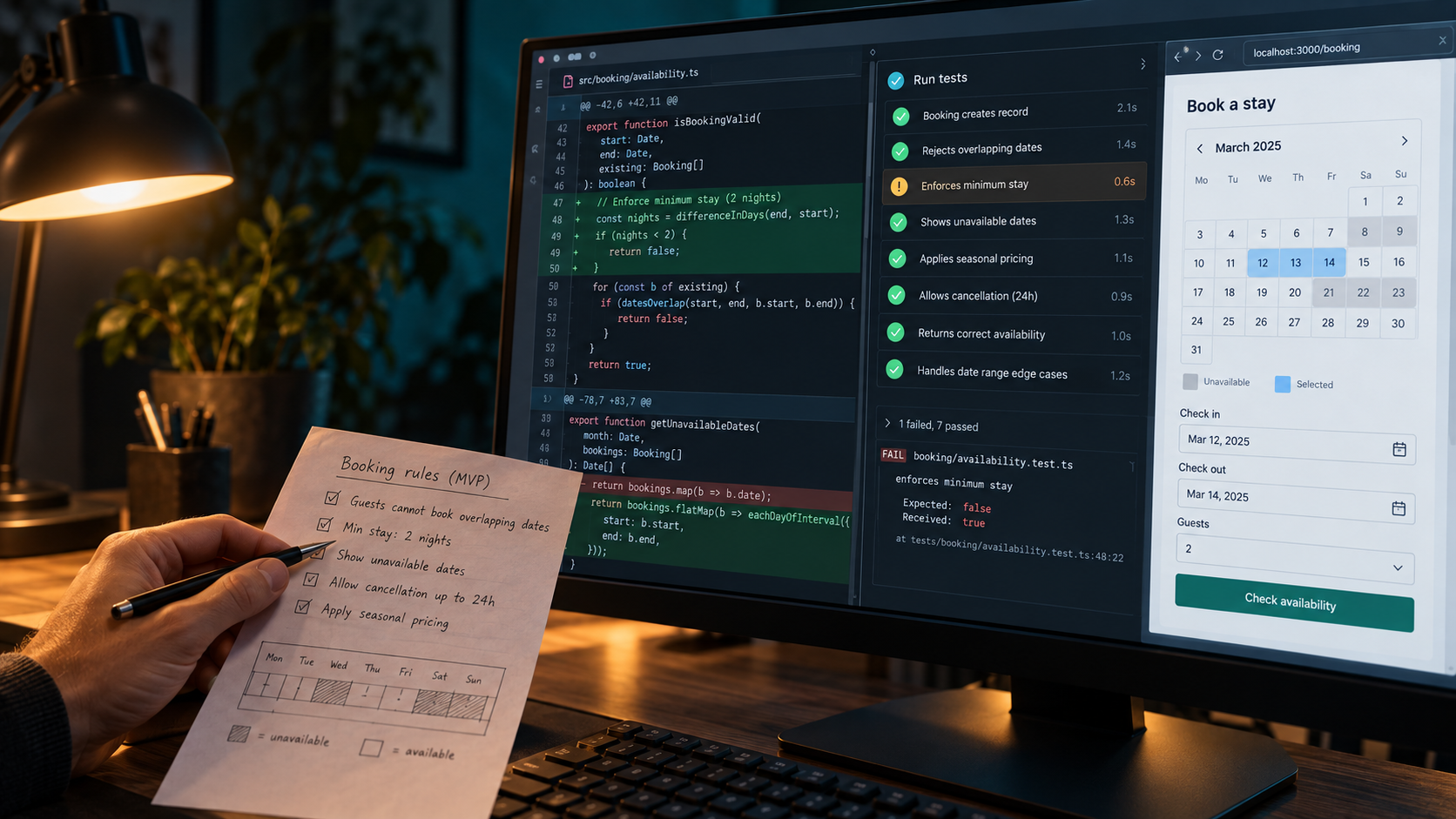
AI can be useful for collecting possible test cases. What happens with missing data, expired access, a repeated request or an external service outage? Simply bringing more of these situations into view early can be valuable.
However, a generated test must not just encode the same misunderstanding that has already found its way into the code. Correct behaviour must follow from the agreed business rule, rather than from whatever the current program happens to do. If a booking must not become final without payment, that requirement still applies even when a generated test expects otherwise.
Tests need to be run, and important workflows need to be checked through the interface as well. There is a difference between “finished” and “ready to test”, just as there is between “tested” and “works flawlessly in every situation”. It is worth being precise about what we have actually checked.
What we give the tool matters
Working with AI also involves decisions about data. A technical example can often be explored with made-up data; it does not necessarily need a real client’s name, an entire email exchange or production credentials. We should provide the information the task needs, with an understanding of the service being used and the project’s conditions.
There is a separate issue when a system reads external emails, websites or documents. Their content may include text that tries to redirect its behaviour by posing as an instruction. This risk is known as prompt injection: material to be processed must not automatically become a command to follow. OWASP’s explanation outlines why this also needs attention when designing an application.
If AI can do more than produce text—if it can modify files, send emails or take action in a business system—permissions and approval points need to be designed explicitly. Drafting a response and actually sending it carry different responsibilities.
The client should feel the difference in the result
In my own work today, I see AI speeding up many of the repetitive, time-consuming parts of programming and debugging. Combined with my automations, working with it sometimes feels as though I have two more developers and an assistant beside me. I do not mean that as a result that can be converted precisely into headcount or working hours; it describes how I experience the difference. Thinking through the task, making decisions and checking the finished work remain my responsibility.
These tools also have a place in preparing documentation and communication. A summary of a change, a first draft of handover instructions or well-organised meeting notes can all be useful. Technical facts still need checking here: documentation must not promise behaviour that the system does not support.
I would not claim a general speed improvement for every task. In some cases, preparation becomes easier; in others, checking takes a substantial share of the time. What matters is that the result is better at the end of the whole process, and that what has been built remains understandable.
Ultimately, the client uses the system we deliver, not the number of suggestions I requested from a model. For me, AI is useful when I can work with it while keeping my work transparent and remaining responsible for my decisions.
In the next part, we will look at this from the client’s side: where should a smaller business start if it wants to put AI to practical use in its everyday operations?

Thomas Peter Kemendi
I have worked with websites and digital systems for almost twenty years. These articles explore the perspective I have developed along the way, the reasoning behind engineering decisions and what technological change has taught me.
About meComing next · Part 5
Where can AI really help a small or medium-sized business?
In the next part, we take the client’s perspective and look at where to start using AI in everyday business operations.
All articles